
Split rent and bills with your roommates
One tally for the flat. Everyone logs what they pay, the split is set once, and the balance tells you who owes whom without a spreadsheet or a group-chat argument.
The flat in one shared tally
Create a tally for the flat and invite your roommates by email. Rent, energy, internet, cleaning supplies and the weekly shop all go in the same place, and everyone on the tally sees the same numbers.
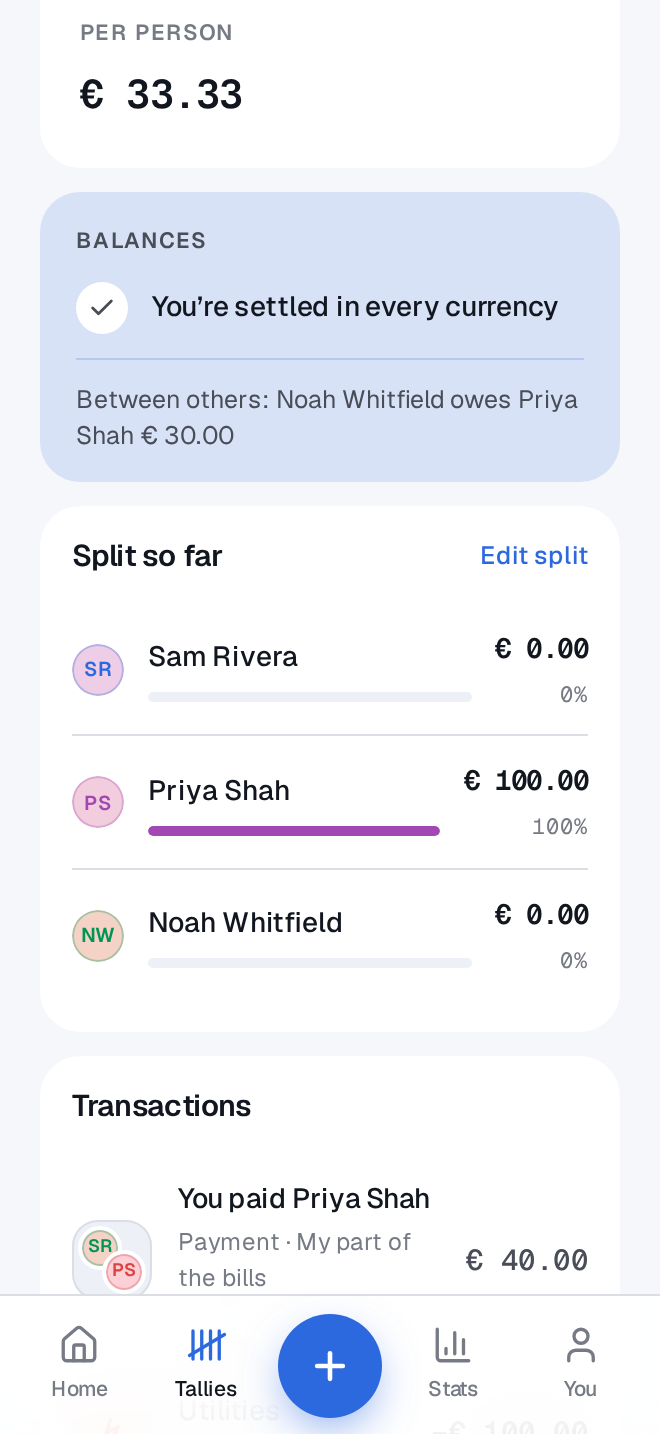
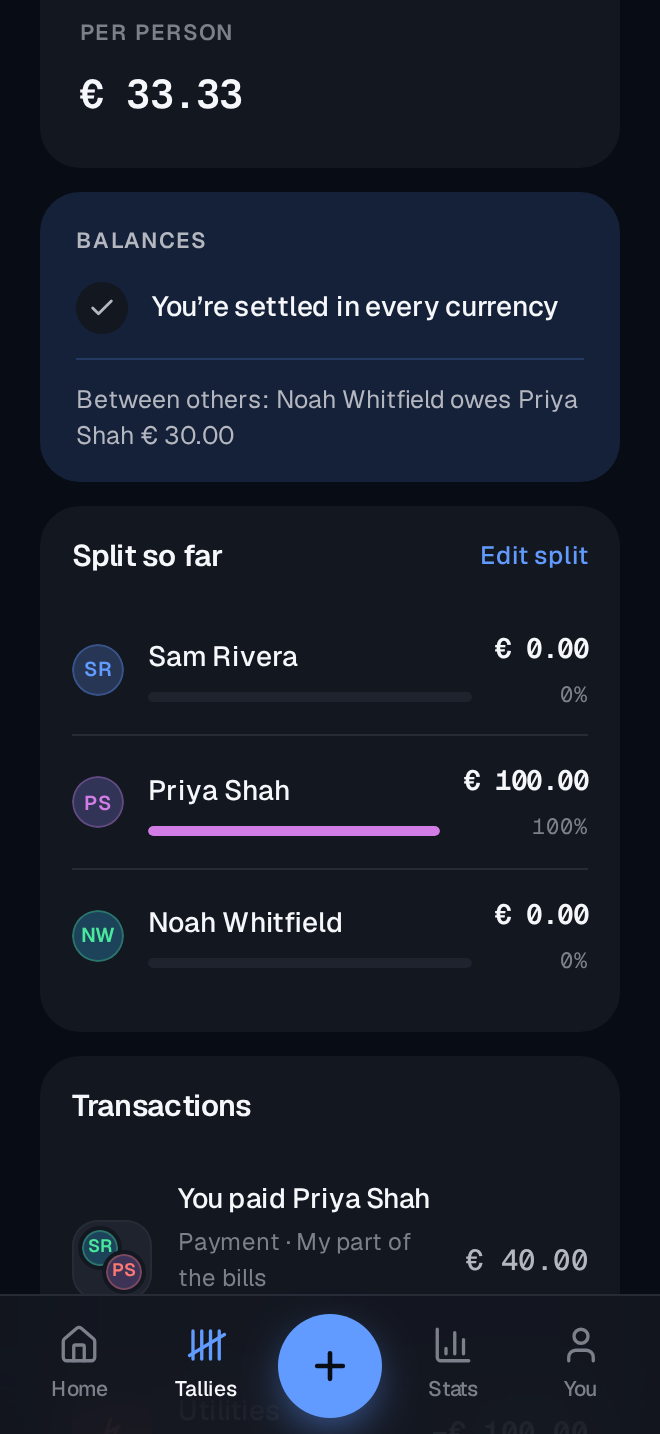
Each expense records who paid it. Nickstick keeps a running balance per person, so nobody has to remember who bought the toilet paper last time.
- Only the people on the tally can see it
- Every member can add expenses from their phone
- No bank connection: you choose what gets logged
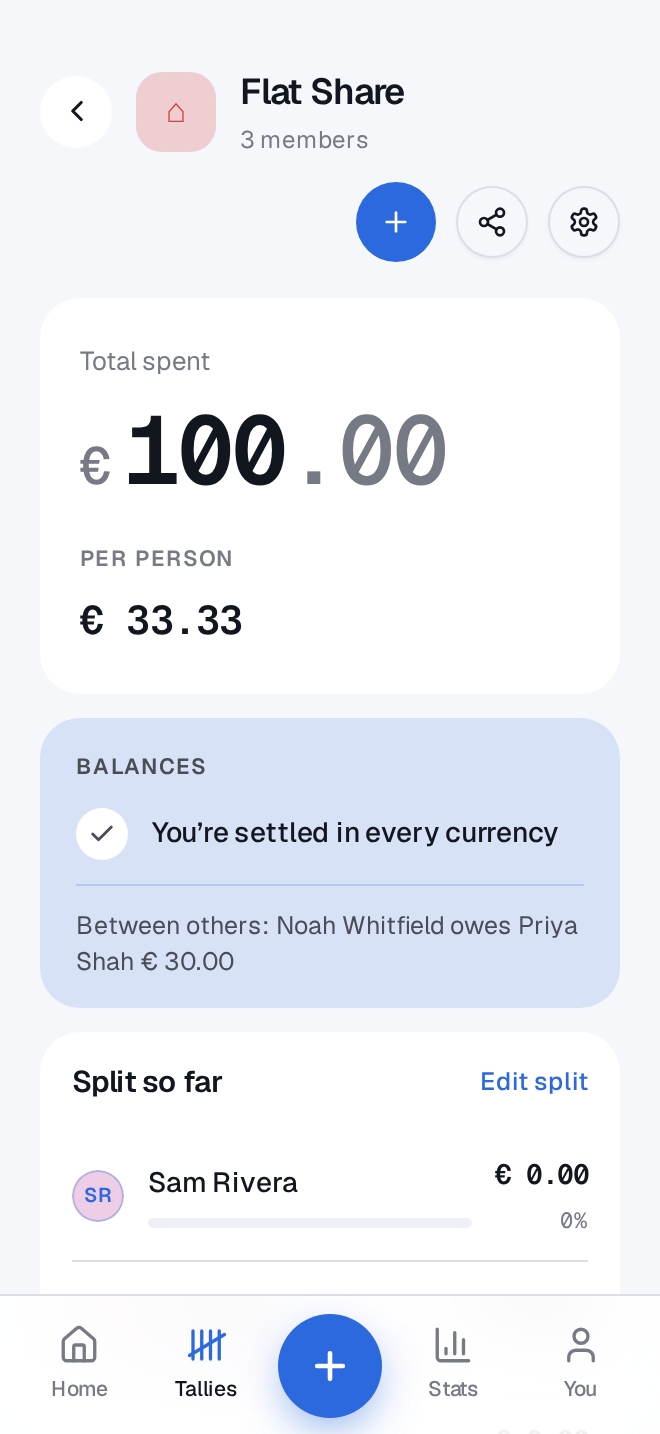
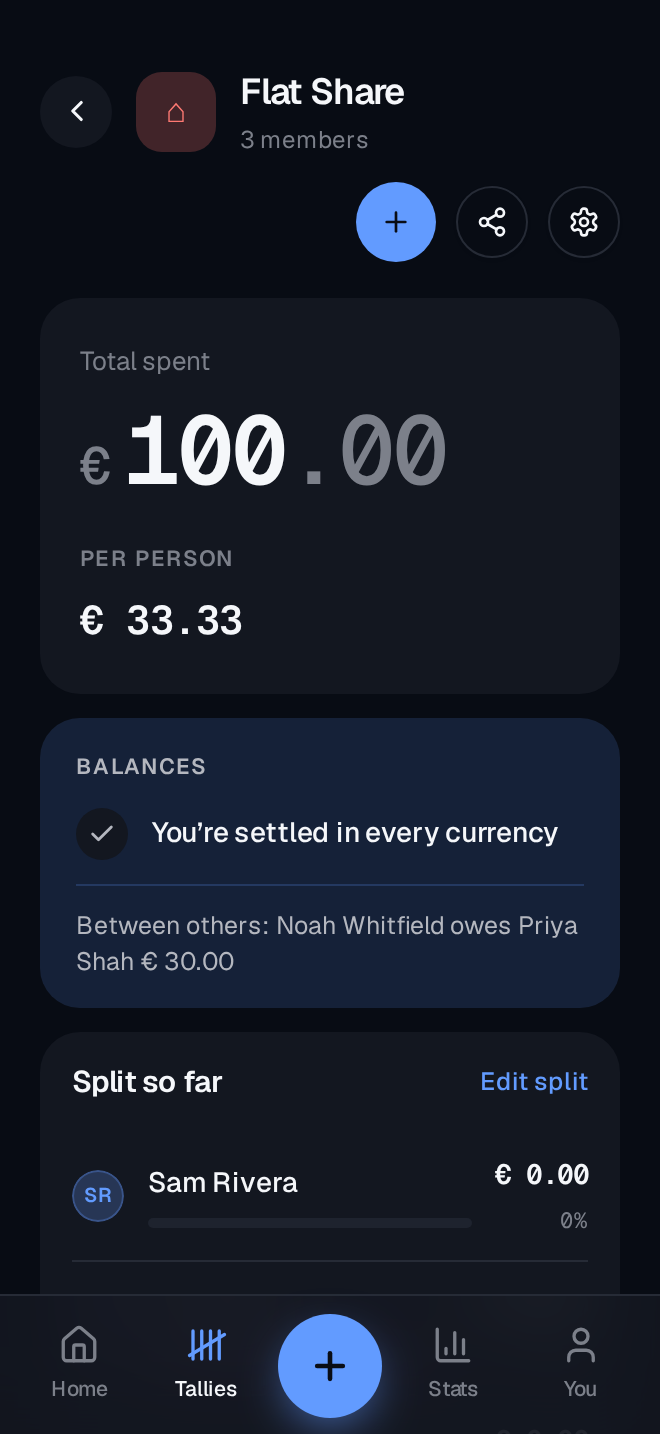
Equal shares, or a bigger room pays more
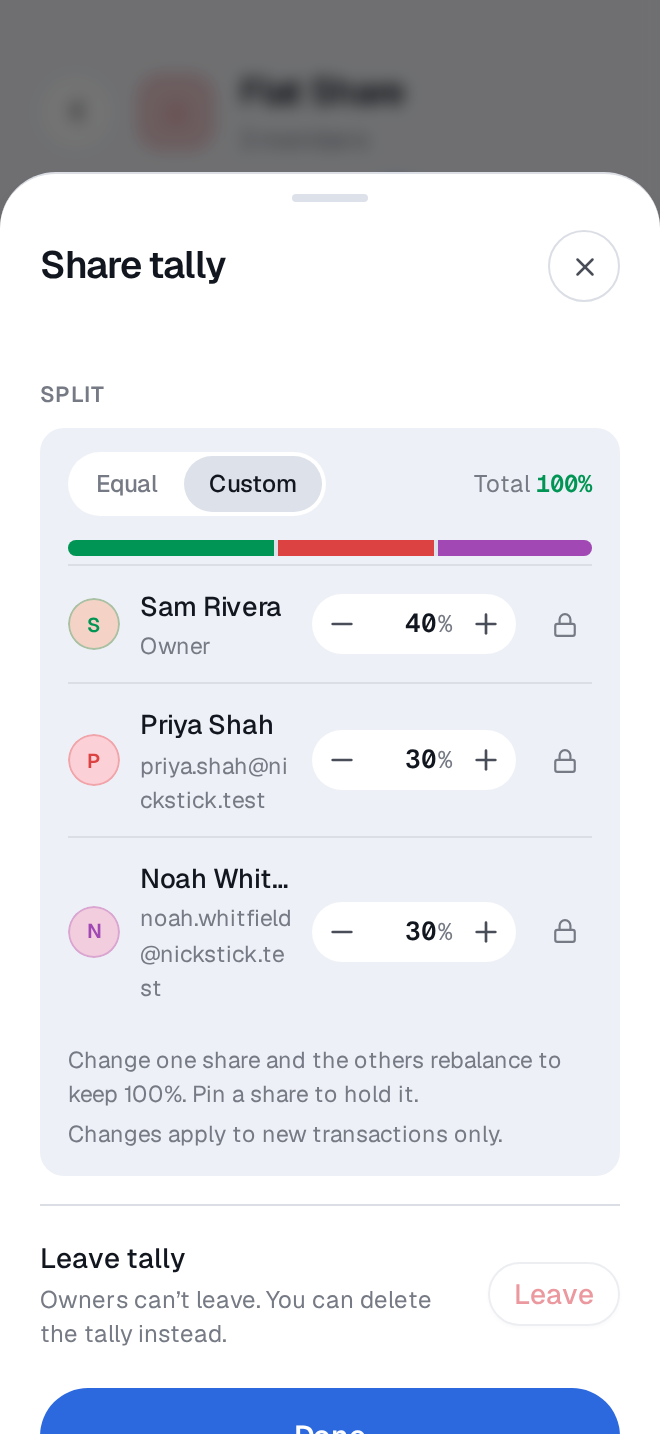
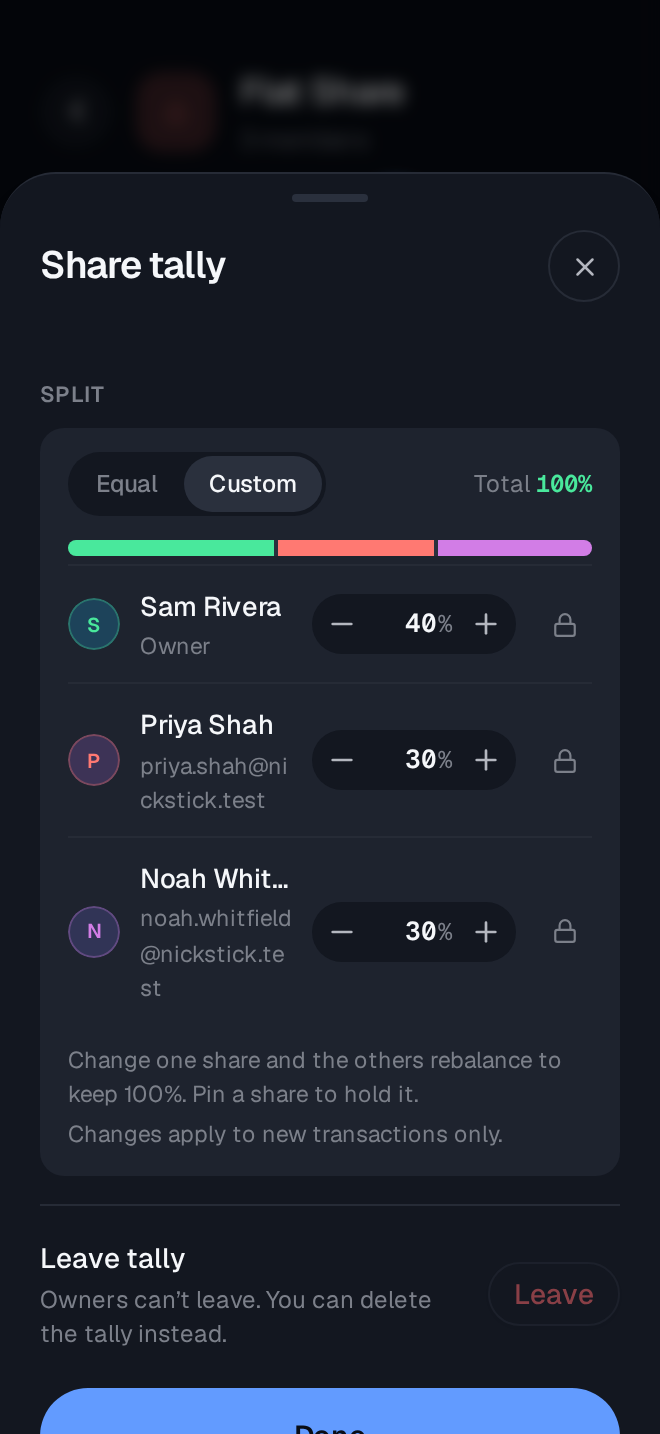
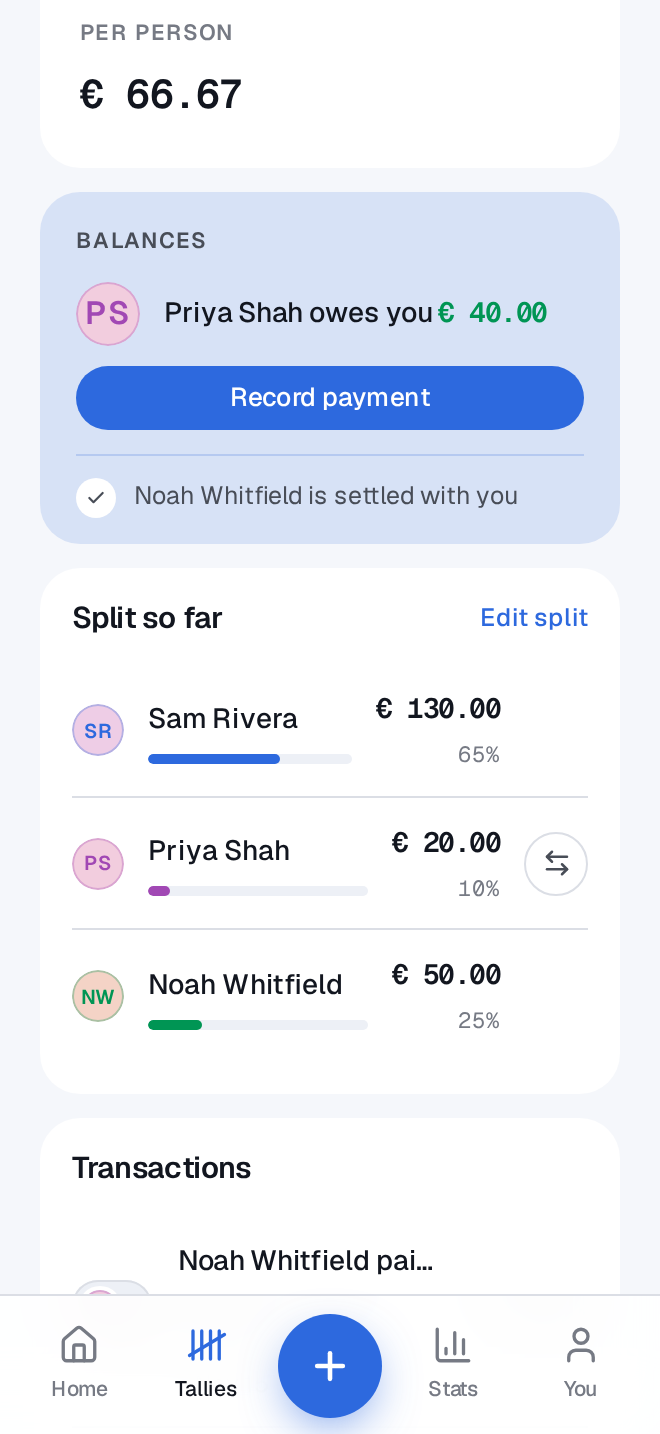
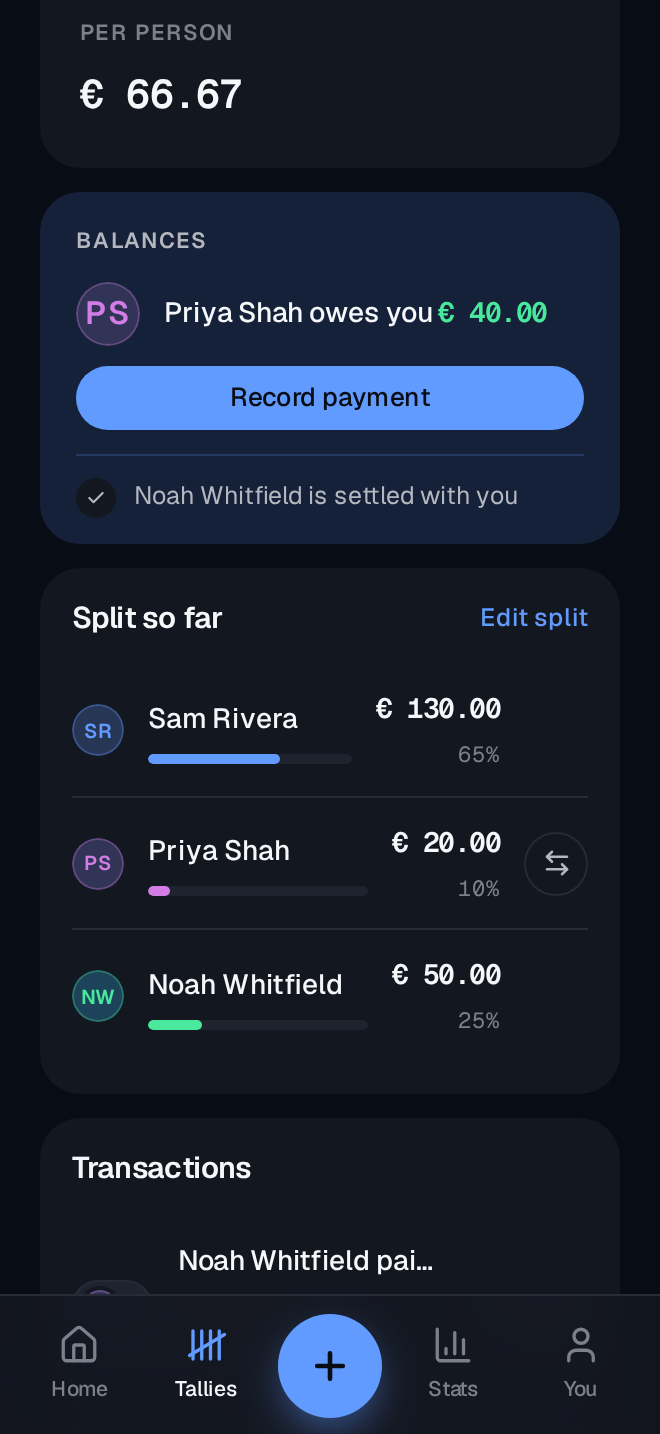
Split everything equally between the roommates, or give each person a percentage: 40/30/30 when one room is bigger, 60/40 when one of you works from home. Set it once on the tally and it applies to every expense after.
Settle up at the end of the month
When it is time to square up, Nickstick shows a short list of who pays whom. Record the transfer and the balance goes back to zero. If someone moves out, their past expenses and payments stay in the history.
How it works
Create the flat tally
Name it, pick the currency you pay rent in and invite your roommates by email.
Set the split
Equal for everyone, or a whole-number percentage per person that adds up to 100.
Log and settle
Add each bill as it is paid. At the end of the month, follow the list of who pays whom.
Questions and answers
Can one roommate pay a bigger share of the rent?
+–
Yes. Switch the tally to percentages and give each member their share, for example 40, 30 and 30. New expenses are split that way.
Do my roommates need an account?
+–
Yes. Invite them by email: they join the tally when they register with that address, or when they sign in if they already have an account.
Does Nickstick connect to our bank accounts?
+–
No. You add the expenses yourselves, so only what you choose to share ends up on the tally.
How much does it cost?
+–
Nothing while Nickstick is in beta: no plan to pick and no card to enter.
Read next
Couples
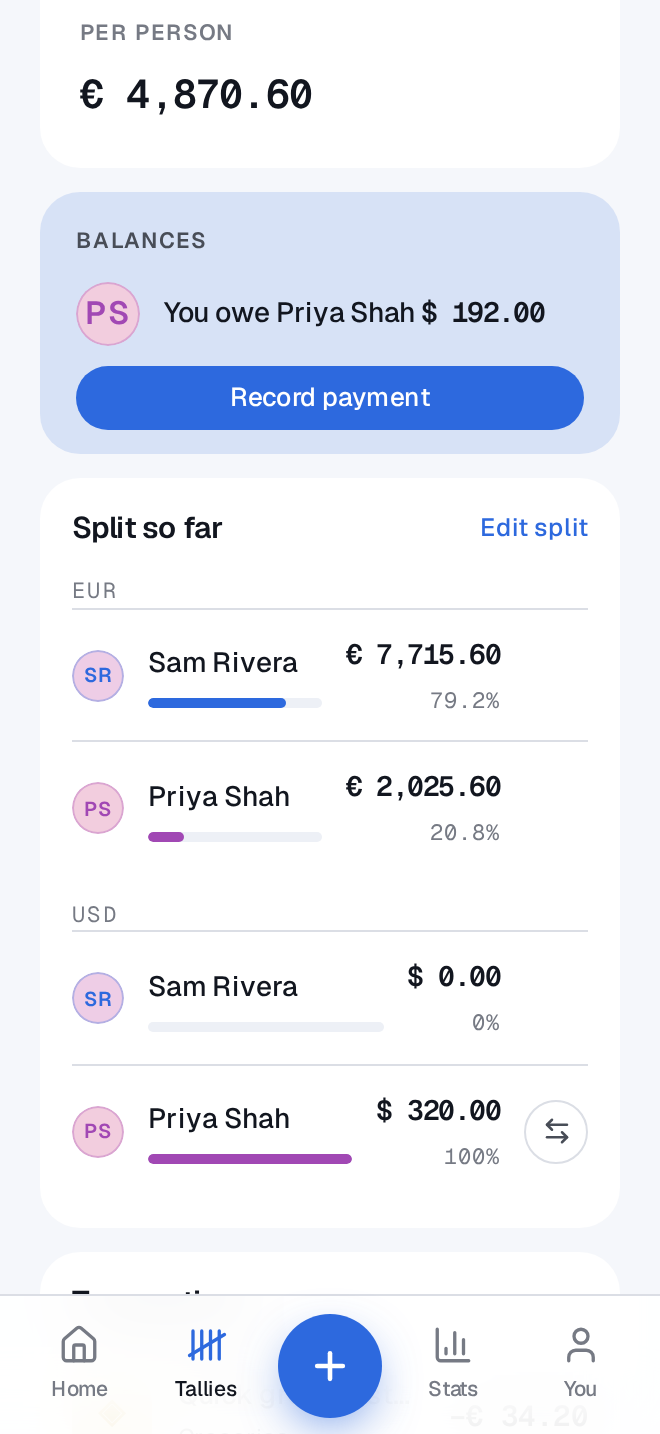
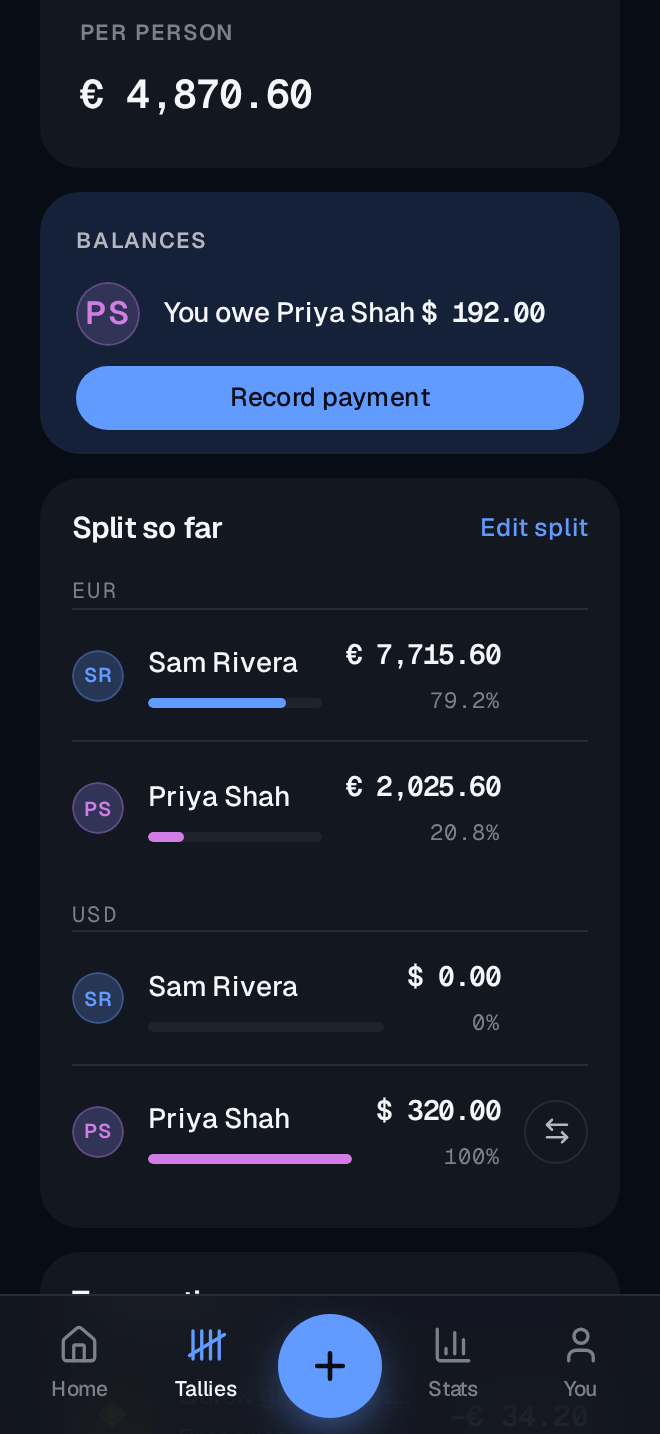
Track the costs you share as a couple: split them 50/50 or by income, keep personal spending apart, and see the balance at a glance.
Group trips
Keep a shared tally for your group trip: log the house, the car and the dinners as you go, then settle up with a short list of payments.
Split calculator
Add who paid what and see who owes whom, split equally to the cent, with the fewest transfers. Free, no sign-up, nothing saved.